


The Interactions step covers everything that appears on or around your video while it plays.
Open a media item and click Interactions in the left step menu.
The Four Interaction Types
|
Type |
Where it appears |
Availability |
|
Call to action |
On the video, at chosen moments or at the end |
Free |
|
Layers |
On the video — hotspots, images, banners, shortcodes |
Pro |
|
Timed content |
Below the video, changing as it plays |
Pro |
|
Email capture |
On the video, as an opt-in form |
Pro |
Email capture has its own article: Email Capture & Integrations.
Call to Action (Free)
Three things live here.
Timed text overlays
A heading and a line of text that appear over the video between two timestamps.
|
Field |
What it does |
|
Show from (seconds) |
When it appears |
|
Until (seconds) |
When it disappears. Empty means until the end |
|
Position |
Which part of the frame it sits in |
|
Heading |
e.g. “Chapter 2 — Setup” |
|
Text |
An optional supporting line |
|
Background color |
Defaults to your accent colour |
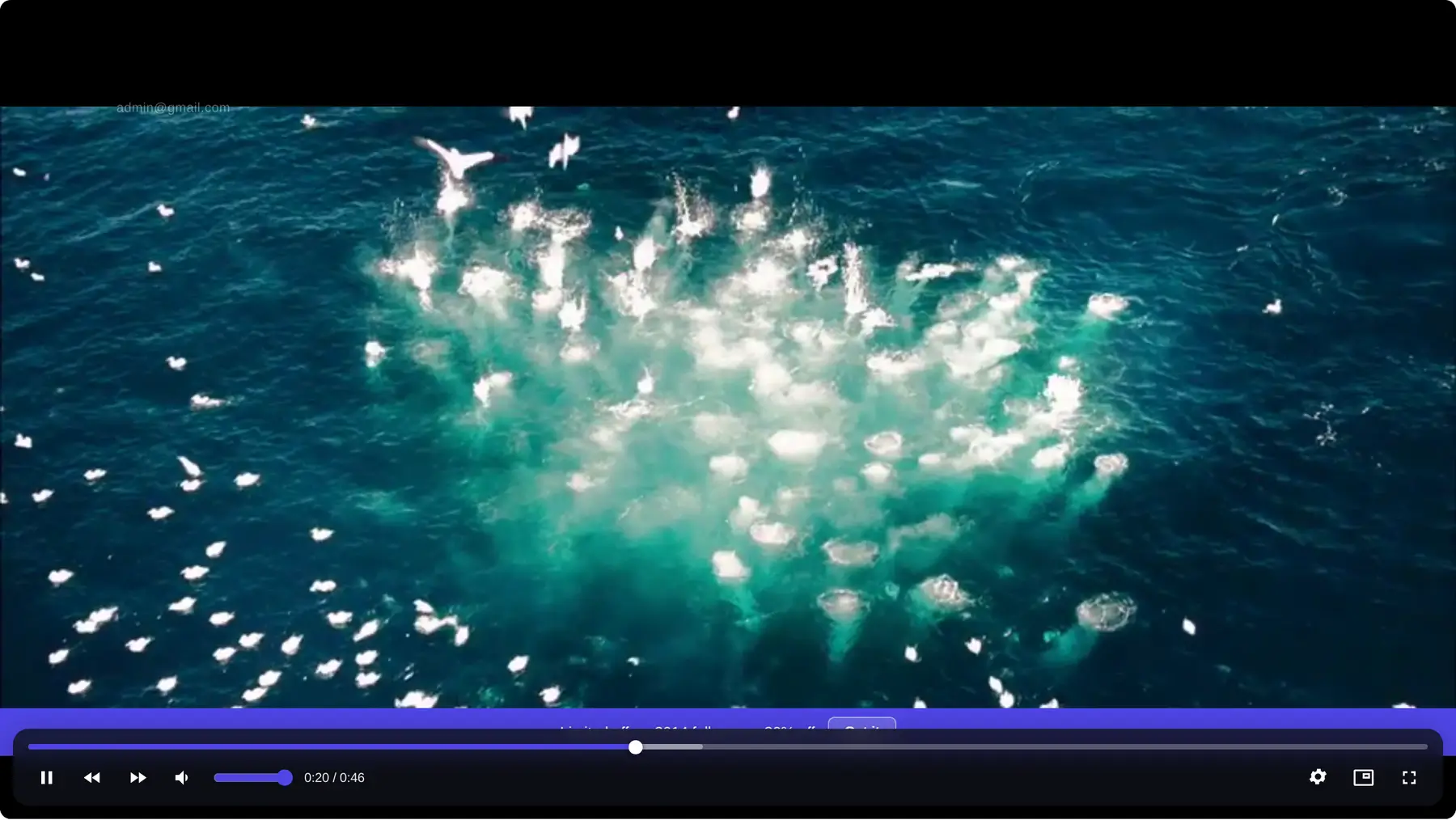
Good for labelling sections, naming a speaker, or flagging something on screen.
End cards
A card with a button, shown when the video finishes — or at a moment you choose.
|
Field |
What it does |
|
Trigger |
At the end, or at a specific time |
|
Heading |
e.g. “Ready for the next step?” |
|
Text |
e.g. “Join the full course to keep learning.” |
|
Button label |
e.g. “Learn more” |
|
Button URL |
Where the button goes |
|
Pause the video while showing |
Stops playback so the card gets attention |
|
Let viewers dismiss it |
Whether a × close button is shown |
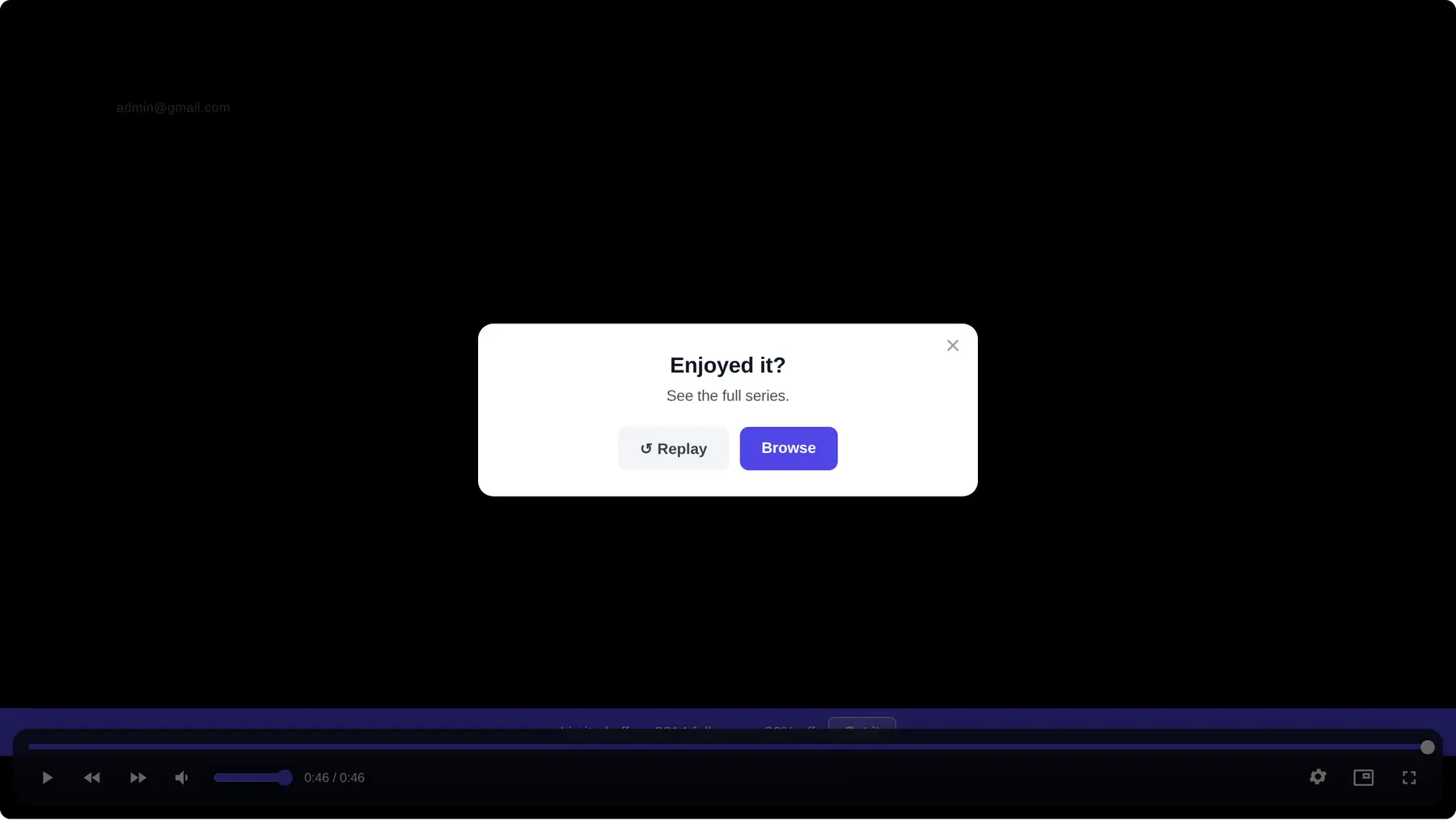
The end of a video is the moment a viewer is most receptive. An end card is the simplest way to use it.
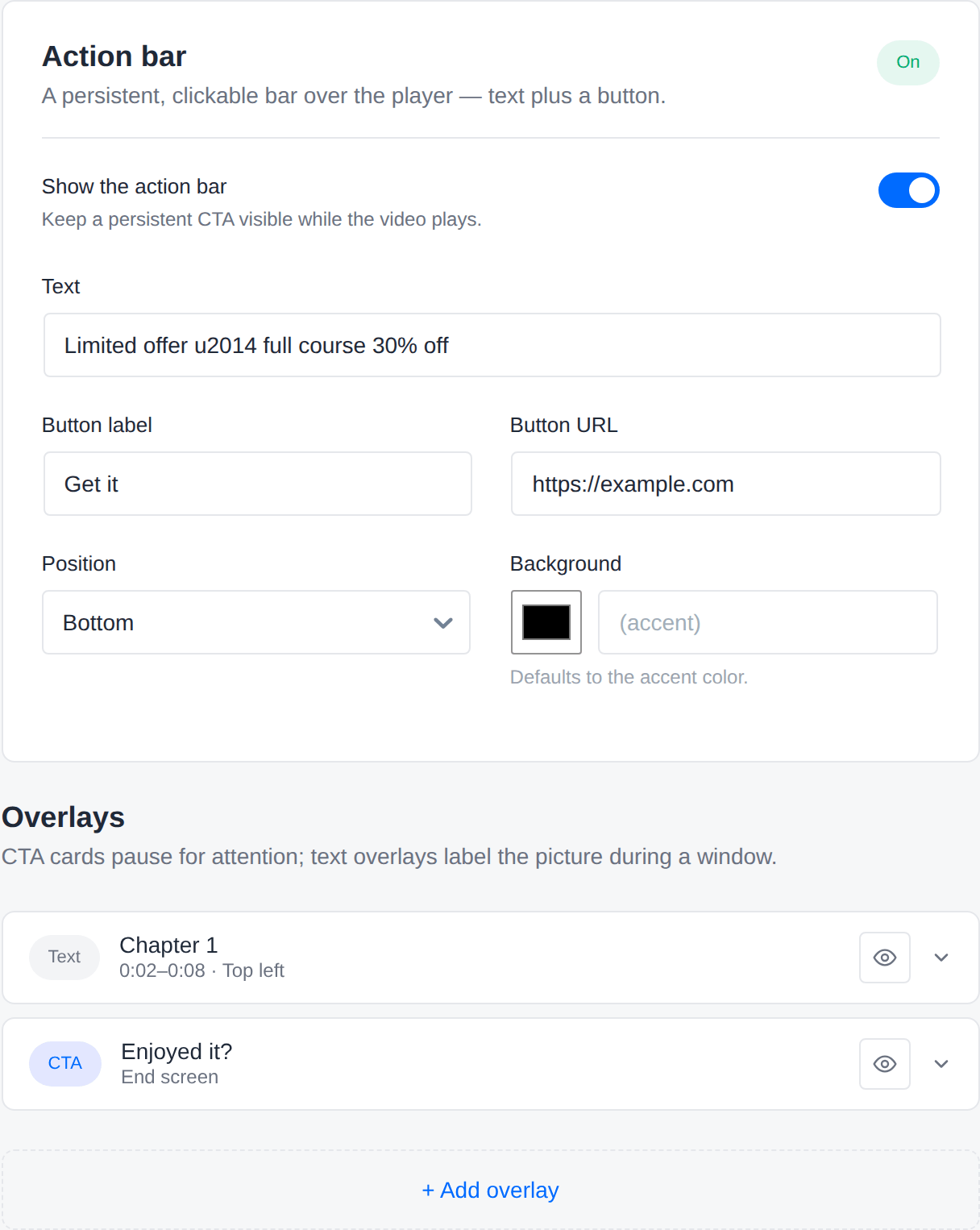
Action bar
A persistent strip along the top or bottom of the player, for an offer or announcement.
|
Field |
What it does |
|
Text |
e.g. “Limited offer — 30% off the full course” |
|
Button label |
e.g. “Get it now” |
|
Button URL |
Where it goes |
|
Position |
Top or bottom |
|
Background |
Defaults to your accent colour |
Layers (Pro)
Layers are richer elements placed over the picture, each with its own timing.
Hotspot
An invisible clickable region over part of the picture. Point at a product in your video, and make that spot clickable.
|
Field |
What it does |
|
Show from / Until |
Its timing |
|
Left / Top / Width / Height (%) |
Position and size, as percentages of the frame |
|
Tooltip |
Text shown on hover, e.g. “See the product” |
|
Link URL |
Where clicking goes |
Percentages rather than pixels mean the hotspot stays in the right place at any player size.
Image
An image overlay — a logo, a diagram, a badge — with optional link, position and timing.
Shortcode
Embed any WordPress shortcode over the video: a form, a pricing table, a product block. Whatever your other plugins provide.
Shortcodes are rendered safely on your server before the page is sent, so nothing unexpected runs in the visitor’s browser.
Banner
A headline with a button, shown over the video between two timestamps.
|
Field |
What it does |
|
Headline |
e.g. “Get the bonus material” |
|
Button label |
e.g. “Subscribe” |
Timed Content (Pro)
A content region below the player whose contents change as the video plays.
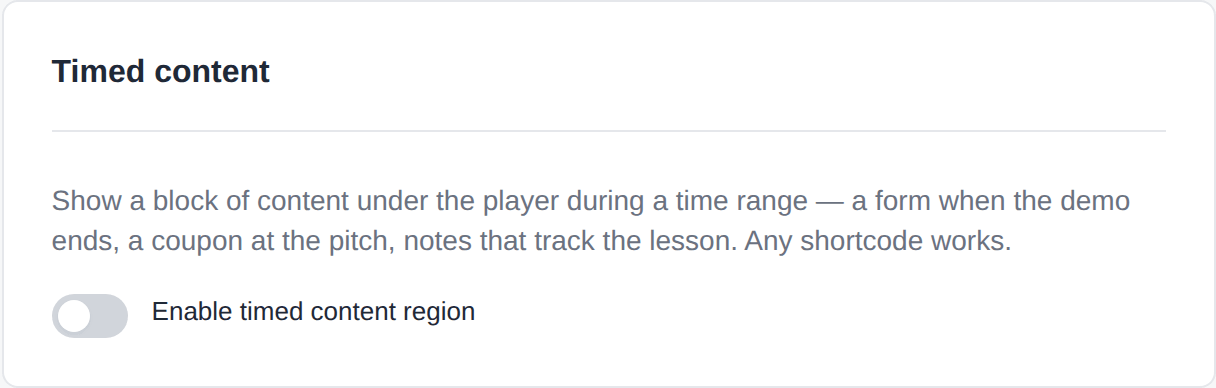
Instead of covering the picture, it gives you a synced panel underneath — for showing the code being discussed, the links being mentioned, or a form at exactly the right moment.
Each item has a time range and its own content, which can include shortcodes.
Why it often beats an overlay: it never blocks the video, and there is room for real content rather than one line of text.
Conditional Display Rules
Layers can be shown only to certain viewers.
Available conditions include:
|
Condition |
Example use |
|
Logged in / not logged in |
Show a “sign up” banner only to logged-out visitors |
|
Is a CRM contact |
Hide the opt-in form from people already on your list |
|
Has a CRM tag |
Show an upgrade offer only to existing customers |
|
Is on a CRM list |
Target a specific audience |
|
URL parameter |
Show a campaign-specific message when the link has a matching parameter |
|
Already seen / completed a layer |
Avoid repeating something they’ve already dealt with |
|
Already submitted their email |
Stop asking someone who has already signed up |
Set match all to require every condition, or match any to require just one.
Frequently Asked Questions
How many overlays and layers can one video have?
There is no fixed limit, but a video covered in overlays is a video nobody finishes. Two or three well-timed elements beat ten.
Do overlays work on mobile?
Yes. Positions are percentage-based, so they adapt to the player size.
Do overlays appear in fullscreen?
Yes.
Can I preview an overlay without saving?
Yes — the editor’s overlay list has a preview control that jumps the live preview to that moment.
What’s the difference between an overlay and a layer?
Overlays are simple text and end cards, and are free. Layers add hotspots, images, shortcodes and conditional rules, and require Pro.
Can a hotspot open something other than a link?
Hotspots link to a URL. For richer behaviour, use a shortcode layer.