


Every site-wide setting in TruePlayer, what it does, and when you would change it.
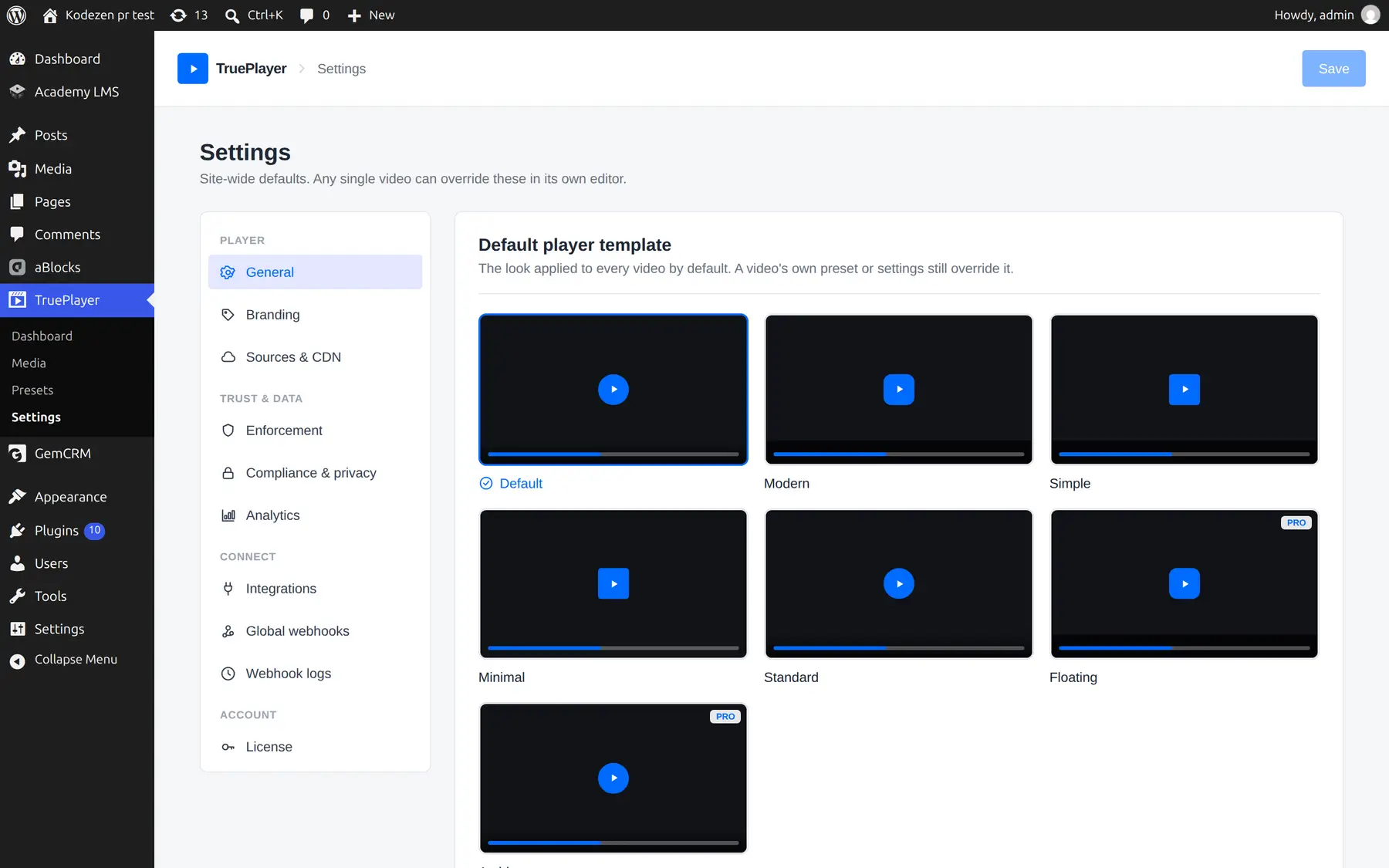
Go to: TruePlayer → Settings
How Settings Work
Settings here are defaults. Any individual video can override almost all of them in its own editor, and the video’s choice always wins.
The order of priority, from weakest to strongest:
- TruePlayer’s built-in defaults
- Your site-wide Settings (this screen)
- The preset a video uses
- The video’s own settings
This means you can set your house style once here, and still make one video look different without disturbing anything else.
Player → General
|
Setting |
What it does |
|
Default preset |
The preset every new video starts from. Leave blank for TruePlayer’s defaults. |
|
Aspect ratio |
The default shape of the player — 16:9, 9:16 (vertical), 4:3, 1:1, 21:9 or auto. |
Player → Branding
Applied to every video that has not set its own.
|
Setting |
What it does |
|
Accent color |
Colours the progress bar, buttons and highlights |
|
Button hover color |
Optional. Blank gives a light overlay. |
|
Logo image |
A watermark logo shown on the video |
|
Position |
Which corner it sits in |
|
Opacity |
How subtle the logo is |
|
Click-through link |
Optional — makes the logo clickable |
Player → Sources & CDN
|
Setting |
What it does |
|
Privacy-enhanced mode (no-cookie) |
Loads YouTube videos from the no-cookie domain, so YouTube sets fewer cookies on your visitors |
|
Token Authentication Key (Pro) |
Your Bunny.net key, used to generate protected CDN links |
|
Expiry (hours) (Pro) |
How long a signed link stays valid. Applies to private self-hosted files and Bunny token links. Default is 6 hours. |
Trust & data → Enforcement
Requires TruePlayer Pro. The site-wide rules for what counts as “watched”.
|
Setting |
What it does |
|
Completion threshold (%) |
How much genuine coverage counts as watched |
|
Max quiz attempts |
How many failures before a video locks |
|
Anti-skip |
Blocks seeking past unwatched parts |
|
Must-watch (strict) |
Forces 100% coverage and anti-skip, everywhere, overriding per-video values |
|
Require login to watch |
Anonymous visitors are asked to log in first |
|
Track logged-out guests |
Cookie-based, best-effort tracking of anonymous visitors |
When to use Must-watch (strict): compliance, safety and certification training, where “mostly watched” is not good enough. It is a single switch that removes any ambiguity across your whole site.
When to use Require login: whenever you need dependable per-person records. Guest tracking uses a cookie, which a visitor can clear and which does not follow them across devices.
Read more: Watch Verification
Trust & data → Compliance & privacy
|
Setting |
What it does |
|
Auto-purge old records |
Deletes watch progress and quiz attempts older than a chosen age, once a day. Off by default. |
|
Keep records for (days) |
The age limit. Values under 7 days are ignored as a safety guard. |
|
Issuer name |
Shown on certificates. Defaults to your site name. |
|
Logo URL |
A logo for certificates |
|
Signature line |
A name or title printed under the certificate |
|
Footer note |
A name or title printed under the certificate |
Trust & data → Analytics
|
Setting |
What it does |
|
Collect video analytics |
Turn off to stop storing aggregate charts entirely |
Turning this off does not disable gating. Watch verification still works — you simply stop building the retention curves, heatmaps and daily trends.
Connect → Integrations
Requires TruePlayer Pro.
|
Setting |
What it does |
|
Mailchimp API key |
Connects Mailchimp so in-player opt-ins land in your audience. Stored on your site only. |
|
GemCRM |
Detected automatically when the plugin is installed |
|
Send player events to Google Analytics |
Reports play, progress and completion events to GA |
|
Measurement ID |
Optional — leave blank to use your site’s existing GA tag |
Read more: Email Capture & Integrations
Connect → Global webhooks
Requires TruePlayer Pro.
Endpoints here receive events from every video on your site. Each endpoint has:
|
Field |
What it does |
|
URL |
Where to send the data |
|
Secret |
Used to sign the request so the receiver can verify it really came from you |
|
Events |
Which events to send. Leave empty to send all of them. |
|
Active |
Turn an endpoint off without deleting it |
There is a Send test button that delivers a real, correctly-signed sample payload, so you can confirm the other end is working before you rely on it.
Read more: Webhooks
Connect → Webhook logs
Requires TruePlayer Pro.
A record of every delivery attempt: when, which event, which endpoint and the result — including what the receiving service actually replied. If a connection is misconfigured, the reply usually tells you exactly why.
Account → License
Shows whether you are on Free or Pro active.
The license key is entered in the Pro plugin’s own license panel under Plugins → Installed Plugins → TruePlayer Pro. This screen confirms the result.
Frequently Asked Questions
If I change a setting here, do existing videos change?
Yes, for any video that hasn’t overridden that setting itself.
Can one video ignore my site-wide enforcement rules?
Yes — each video has its own Access & gating step. The exception is Must-watch (strict), which deliberately overrides per-video values so it cannot be weakened by accident.
Is my Mailchimp key sent anywhere?
No. It is stored on your own site and used only to talk to Mailchimp directly.
Why is my “Keep records for” value being ignored?
Values under 7 days are treated as “off”. This guards against a mistyped number wiping your data.
Does turning off analytics delete what I already collected?
No. It stops new collection. Use auto-purge if you want existing records removed.